.svg)
.svg)
.svg)
.svg)
Updated October 16, 2026.
The short answer
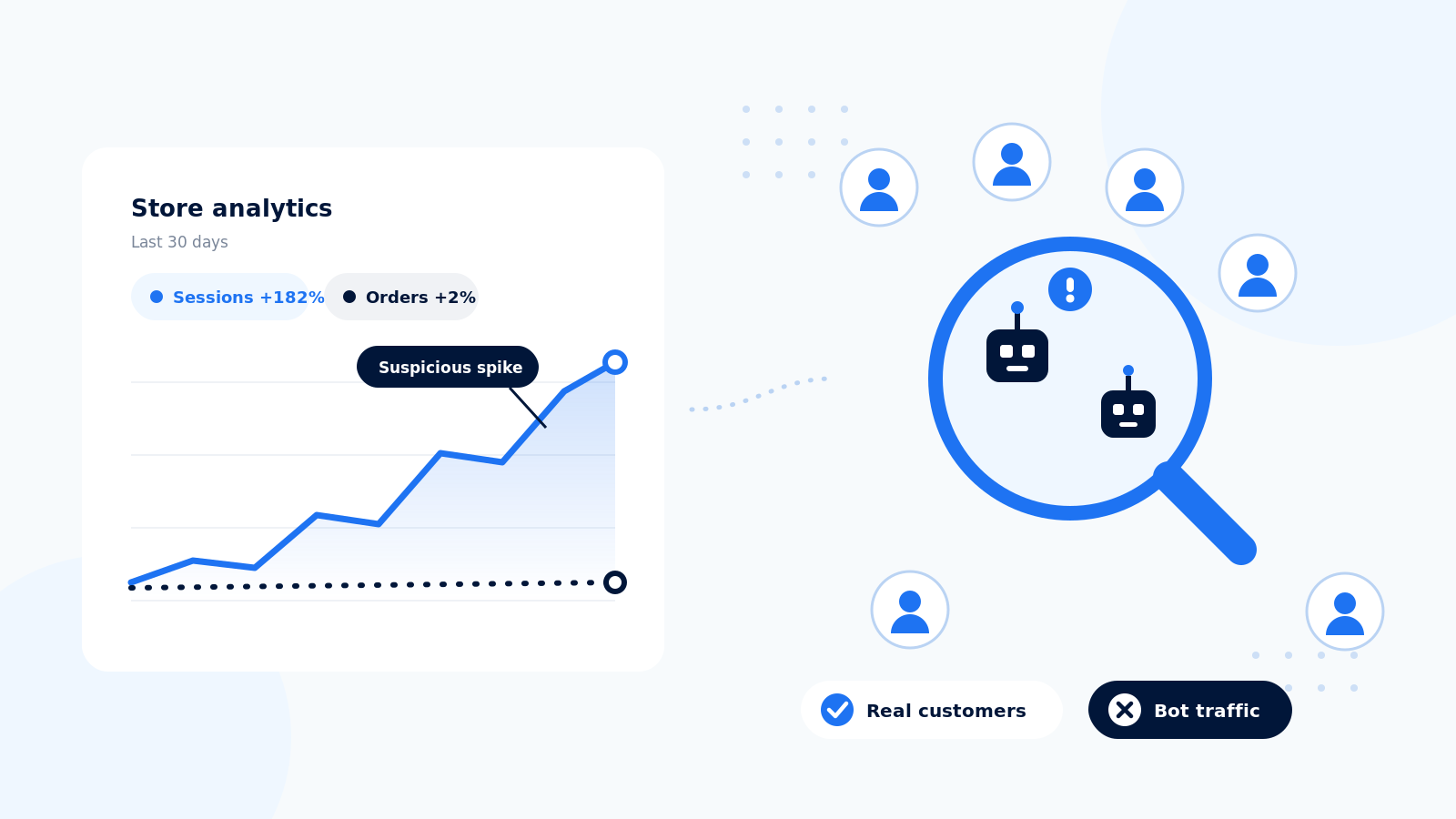
To investigate bot traffic in a Shopify store, start with the session-type controls in Shopify Analytics, then corroborate suspicious patterns with customer activity and operational evidence. More sessions without more orders is a reason to investigate, not proof that the visitors are bots. Separate three questions: which visits appear automated, whether that automation is harmful, and which protection can address it.
3 signs your Shopify traffic needs investigation
Look for several signals together. None of these signs identifies every bot or proves that a particular visitor is malicious.
- A traffic surge with little meaningful shopping activity. Compare landing pages and traffic sources with product engagement and orders. Check whether a campaign, publicity, tracking change or planned test explains the surge before assigning it to bots.
- Repeated actions at unusual volume. Investigate bursts of suspicious customer profiles, repeated checkout attempts or abnormal searches. Shopify notes that suspected card-testing attempts might not appear as abandoned checkouts, so that report alone is not a complete incident record.
- Automation patterns corroborated by another source. Where available, compare analytics with security events or request logs from your provider. Repeated paths and request timing can help narrow an investigation. Geography or short engagement alone is not a reliable blocking rule.
Shopify describes common signals and benign explanations in its guide to identifying bot activity. Treat unusual traffic as an investigation, not a diagnosis based on a single chart.
How to check if your traffic is bots, step by step
1. Establish what changed
Record when the pattern started, which pages and channels changed, and whether orders changed too. Note campaigns, deployments, consent settings and testing activity. Keep a short incident record so subsequent comparisons use the same definitions.
2. Inspect Shopify's session classification
In Shopify, open Analytics > Reports and choose a sessions report that supports the Human or bot session control. Open Controls if needed. Under Filters, choose Human or Bot with the is operator. To include both, choose is one of, select both values, and apply the selection. You can also add the session-type dimension for a breakdown. Settings apply to the report you are viewing.
Shopify's classification is conservative and can miss bots. A session labeled human is not a guarantee. See Shopify's current bot-filtering instructions for report availability and controls.
3. Use a comparable measurement baseline
Shopify rolled out session measurement changes on September 21-23, 2026, including default exclusion of identified bots from session-related reports. Session counts and conversion rates can change without a corresponding change in sales. Use post-update periods as your new baseline and keep report filters consistent. Compare orders, sales and customers alongside sessions. Using the same filter does not make pre-update and post-update session definitions identical.
The Shopify measurement-update guide explains the differences. Home and Live View do not offer an adjustable human/bot filter; some report types and headless implementations also differ.
4. Cross-check GA4 without treating it as a bot counter
GA4 automatically excludes known bots and spiders, but it does not show the volume excluded or let you disable that exclusion. Compare landing-page and engagement patterns as supporting evidence. A gap between Shopify and GA4 totals does not measure your bot share: collection methods, consent and tagging can also affect the difference. Low engagement is not sufficient evidence to delete or exclude a whole audience.
5. Match the response to the harm
If the issue is reporting, use a documented analytics view. If it is account spam, investigate form and account protections. If you suspect payment abuse, review the payment evidence with your provider and store support team. For scraping or repeated unwanted storefront requests, investigate protection that covers the affected endpoints. Record the action and check both abuse levels and legitimate shopping afterward.
Bot types and their symptoms
- Scraping: Repeated automated access to product or collection information. Some crawling supports search and discovery; decide which access is unwanted.
- Card testing: Clusters of suspicious payment attempts and provider alerts. Do not rely solely on abandoned-checkout records or assume storefront controls cover every payment route.
- Low-quality paid traffic: Campaign-level engagement, conversion evidence and platform reporting. Poor campaign performance alone does not prove fraudulent clicks.
- Automated cart or checkout activity: Repeated actions and actual effects on stock availability or checkout. An add-to-cart spike alone does not prove inventory has been reserved.
Does Shopify have built-in bot protection?
Yes. Shopify provides protections such as hCaptcha for supported forms and account pages, and Shopify Plus offers additional checkout protection for sales events. Check Shopify's protection guidance for your setup.
The Plus sales-event feature is intended to limit auto-checkout bots, not every type of fraud. It requires activation through Plus Support and has a maximum event duration of 60 minutes. Analytics filtering is a different function: changing a report does not block requests to your store.
How to respond: filtering versus blocking
- Understand human shopping behavior: Use Shopify's supported session-type controls. Verify the selected filter, date range and measurement baseline.
- Reduce form or account spam: Review the protections for those surfaces. Verify coverage and the experience for legitimate customers.
- Manage a high-demand product drop: Evaluate Shopify Plus event protection if eligible. Verify activation, schedule, products and challenge settings.
- Address unwanted storefront automation: Evaluate a dedicated protection provider. Verify supported routes, detection evidence, false positives and operational ownership.
A useful evaluation asks which requests the service can inspect and act on, how it distinguishes helpful crawlers, and how you verify that real shoppers can still browse and buy. Compare coverage and evidence rather than assuming every app or edge service behaves the same way.
Where Nostra Edge Protect fits
Nostra Edge Protect is an option to evaluate when your investigation identifies unwanted storefront automation. Bring the affected URLs, dates and supporting evidence to the discussion so the team can confirm deployment coverage and the appropriate response. Report filtering and traffic protection solve different parts of the problem.
Read our Shopify bot-protection comparison, or book a demo to discuss your store's requirements.
Frequently asked questions
Does a traffic spike prove my Shopify store has bots?
No. Check campaign activity, measurement changes and operational evidence before deciding that a surge is automated or harmful. Use multiple signals rather than a single session or conversion chart.
How do I separate human and bot sessions in Shopify?
Use the Human or bot session control in a supported sessions report. Review the filter and date range before comparing results. Shopify's linked instructions explain the available selections.
Does filtering bots from analytics stop them visiting my store?
No. A report filter changes the data you view. Blocking or challenging requests requires a protection control that covers the affected part of your store.
Can I calculate bot traffic by subtracting GA4 sessions from Shopify sessions?
No. The two systems can collect and classify activity differently. Investigate consent, tagging and measurement definitions as well as automation before interpreting the gap.
Should I block every bot?
No. Some bots support search, previews and monitoring. Define which automation is harmful and verify that protective measures preserve the access your business needs.
How do I investigate suspected card testing?
Review suspicious payment activity with your payment provider and Shopify support team. Do not assume that abandoned-checkout records capture every attempt or that one storefront control protects every checkout route.


