
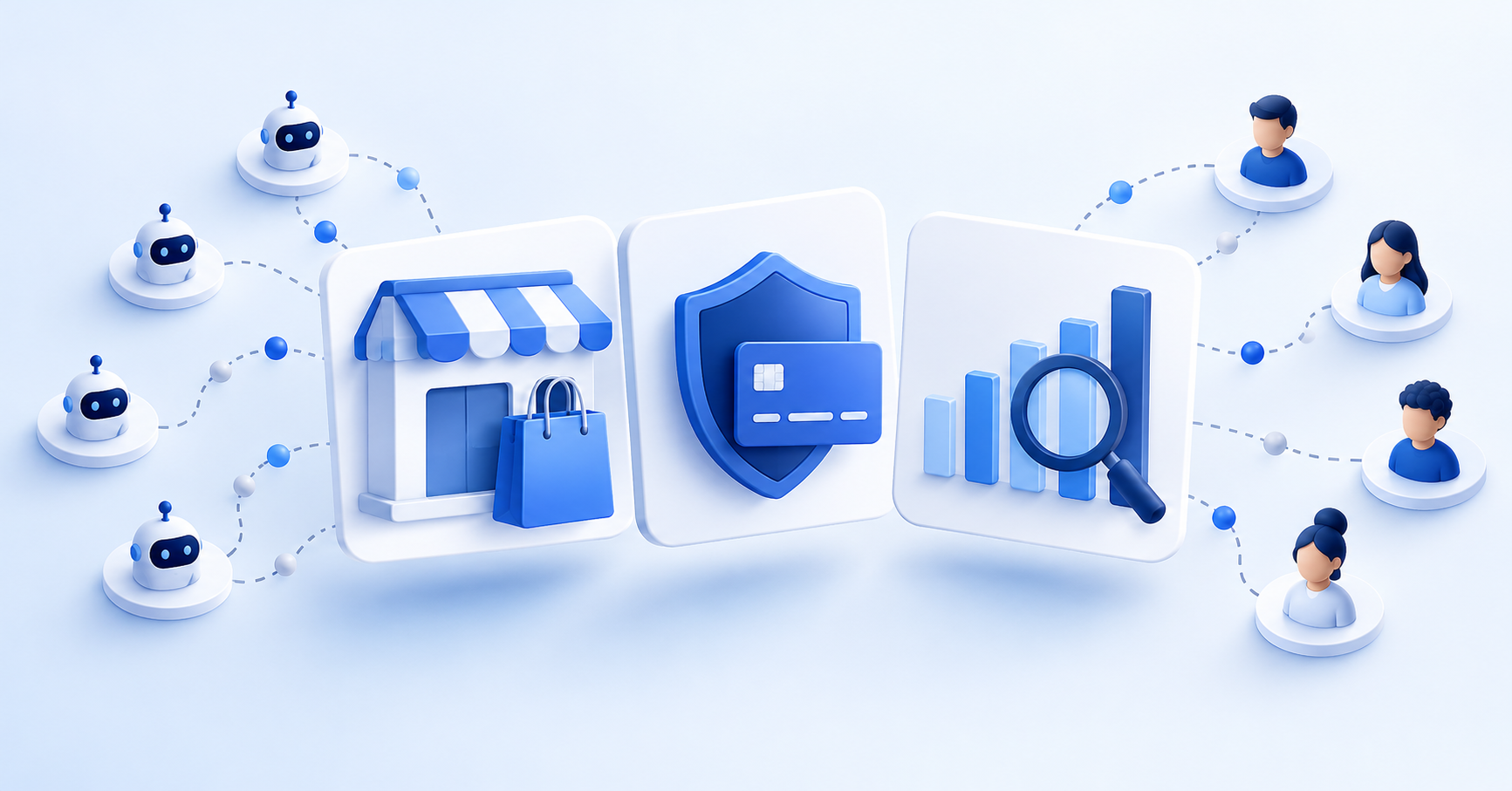


The best tools for protecting ecommerce conversion rate accuracy address different failures: request-level bot defense for automated storefront traffic, Stripe Radar for supported payment and account fraud risks, and GA4 or Shopify Analytics for measurement and reporting. Choose by the traffic path and metric affected, then test legitimate-customer outcomes. These layers complement one another; filtering a report does not block requests or prove an increase in sales.
Reviewed: October 29, 2026. This comparison uses vendor documentation, not a hands-on detection benchmark.
Summary
- Bot activity can distort sessions, events and orders. Identify which numbers are affected before choosing controls.
- Edge controls evaluate incoming requests. Payment-risk tools evaluate supported payment and account flows. Analytics tools classify or exclude traffic for reporting.
- GA4 excludes known bots automatically. Shopify's Human or bot session filter helps analyze classified sessions. Neither is a guarantee that every bot is detected.
- Match deployment order to the incident. Test legitimate traffic, monitor false positives and distinguish cleaner reporting from incremental revenue.
How does bot traffic distort conversion rates?
Bot activity can add sessions, trigger events or attempt fraudulent orders. An automated request does not necessarily become an analytics session, and an add-to-cart event is not a completed order. Identify which numbers are affected before choosing controls. Excluding sessions can change reported conversion rate without changing sales.
How should you evaluate bot defense tools?
Compare detection accuracy, false positives, deployment requirements, supported traffic paths and monitoring. Test with your own storefront and required integrations. This is a documentation-based comparison of capabilities, not a hands-on benchmark or a ranking of detection performance.
How do edge-based, payment, and analytics solutions compare at a glance?
Request controls, payment-risk tools and reporting filters act at different points. Incoming requests and measured sessions are different quantities: consent choices, tag execution, caching and bot identification can all affect what appears in analytics. A gap between request counts and sessions alone does not prove bot contamination.
Edge bot defense
- Scope: Requests routed through the service
- Setup: Domain, routing and policy configuration depend on provider
- Important limit: Does not cover traffic that bypasses it
Payment-risk controls
- Scope: Supported payment or account flows
- Setup: Payment integration and plan-specific configuration
- Important limit: Do not replace storefront request controls
Analytics reporting
- Scope: Data captured by the analytics platform
- Setup: Known-bot exclusion can be automatic; reporting comparisons are separate
- Important limit: Does not block storefront requests or automatically repair history
Choose the control for the problem you can document. Multiple layers can complement one another; none guarantees complete detection.
What does each layer of bot defense actually do?
The relevant distinction is where a control acts and what it can observe. Check coverage for each storefront, checkout and account flow rather than assuming one product sees everything.
Edge-Level Bot Defense
Nostra describes Edge Protect as a managed ecommerce bot-defense service with no code changes. Confirm routing, implementation steps, supported endpoints and false-positive monitoring for your store. Cloudflare Bot Management for Enterprise is a paid add-on that assigns request scores and supports configurable actions. Its protection depends on configuration and on traffic reaching the service. Neither product description establishes complete bot elimination or zero false positives.
Nostra Edge Protect product page
Cloudflare Bot Management documentation
Payment-Level Fraud Detection
Stripe Radar evaluates fraud risk for supported Stripe flows. Depending on the product, plan and integration, controls can allow, block or review payments, or request 3D Secure authentication. Radar also documents account and customer-abuse evaluations, so it is inaccurate to say its entire scope is limited to checkout. These capabilities still do not replace controls for every incoming storefront request.
Analytics-Level Filtering
GA4 excludes known bots and spiders automatically. Google does not provide a switch to disable this exclusion or a count of the traffic excluded. This does not establish that every automated session is removed. Shopify Analytics provides a Human or Bot session filter and dimension for sessions reports. This reporting feature is different from blocking requests to the storefront. Check current availability for your storefront and report.
Google Analytics: known bot-traffic exclusion
Shopify: Human or Bot session reporting
Which tool fits your conversion rate protection strategy?
Use the following options to match capabilities to your stack. Nostra and Cloudflare offer request-level bot defense; Stripe Radar addresses supported fraud-risk workflows; GA4 and Shopify Analytics provide measurement and reporting functions. These are complementary categories, not interchangeable products.
Nostra Edge Protect
- Role: Managed ecommerce bot defense
- Implementation and limits: Nostra advertises no-code deployment; confirm routing, coverage and current quote
Cloudflare Bot Management
- Role: Request scoring and configured actions
- Implementation and limits: Enterprise paid add-on; configure actions for the traffic and paths in scope
Stripe Radar
- Role: Risk evaluation for supported Stripe flows
- Implementation and limits: Capabilities vary by product, integration and plan; verify eligibility and current fees
GA4
- Role: Measurement with automatic known-bot exclusion
- Implementation and limits: No bot-exclusion enable toggle; no guarantee of complete bot detection
Shopify Analytics
- Role: Human or Bot session reporting filter and dimension
- Implementation and limits: Use in eligible sessions reports; does not enforce request blocking
This comparison summarizes documented roles. Check current vendor requirements and pricing before buying.
What is the right order to deploy these tools?
Start with the failure you can document. For card testing, prioritize payment and checkout controls. For excessive automated storefront requests, assess request-level enforcement. For a reporting anomaly, compare analytics segments with request logs and orders before changing rules. Test legitimate shoppers, verified crawlers and required integrations, then roll out changes with monitoring and a rollback path. New controls do not automatically repair historical reports.
How do you know if your bot defense is working?
Compare equivalent periods and track orders, revenue, sessions, checkout completion, challenge outcomes, false positives and support reports. If bot sessions are excluded while orders stay constant, reported conversion rate rises mechanically. Label that as a measurement change, not a sales lift. Account for promotions, seasonality and changes in traffic mix. A change in detected bot share or chargebacks alone cannot establish causation.
Measurement note: Choose a baseline long enough to reflect your normal traffic and buying cycle. For example, use comparable weeks and document promotions and tracking changes. There is no universal 30-day minimum that proves effectiveness.
What are the real tradeoffs when choosing bot defense tools?
Compare traffic coverage, deployment effort, observability, false positives and total cost. Request-level controls only evaluate traffic that reaches them. Payment-risk controls cover supported workflows. Reporting tools classify or exclude data for analysis. Ask vendors for evidence under conditions comparable to your store and check current plan entitlements rather than assuming a universal pricing model.
Common questions about bot defense
Check scope, measurement and false positives before selecting a tool. The answers below separate reporting changes from request enforcement and incremental revenue.
Will bot defense block legitimate customers?
False positives are possible. Test real shoppers, accessibility tools, required integrations and verified crawlers, then monitor challenges, blocked requests, checkout completion and support reports. Ask each vendor for evidence under conditions comparable to your storefront.
Does GA4 bot exclusion replace edge controls?
GA4 automatically excludes known bots and spiders from measurement. It does not provide storefront request enforcement. Edge controls and reporting tools address different parts of the problem, and neither guarantees complete detection.
Does Shopify's Human or bot session filter stop bots?
It helps analyze traffic types in sessions reports. It changes the reporting view rather than blocking incoming storefront requests. Use request logs and order data alongside report classifications when investigating an anomaly.
How much does bot defense cost?
Check current vendor pricing and plan entitlements for your traffic, required features and integrations. Include deployment effort, monitoring, support and the impact of false positives when comparing total cost. Do not assume that every vendor uses the same fee structure.
Does a higher conversion rate after filtering prove more sales?
No. Removing bot sessions can reduce the denominator while orders remain unchanged, raising reported conversion rate without generating additional revenue. Compare orders, revenue and customer outcomes across equivalent periods and disclose measurement changes.
What is the difference between bot defense and fraud detection?
Bot defense classifies or controls automated activity. Fraud detection assesses risks such as suspicious payments or account abuse. Their scope can overlap, so verify the specific workflows each product covers.
Explore Nostra ecommerce articles or review published tracking and attribution results with methodology limits.


