The fastest way to start improving landing page experience is to fix the factors Google's own rating looks at: load speed, relevance to the ad, useful content, mobile usability, easy navigation and trust. A good fix targets one of those factors, takes days instead of months, and shows up in a number you can check. Start with speed if your pages load slowly, with message match if your ads promise more than the page delivers, and with trust elements if you ask strangers for money or personal data.
Many advertisers see "Below average" next to landing page experience in Google Ads and have no idea what to change. The label names no cause, so people guess, and the same paid traffic keeps landing on a page that loses it. This list ranks six fixes by how much effect they usually have for the effort involved, and each one ends with a way to confirm it worked.
Nostra AI runs speed and bot-protection agents for ecommerce storefronts, so speed and clean traffic data get extra weight here. The other four fixes work on any platform.
Page speed is the one factor that affects every visitor, whatever your ad says. Fix it first, because slow pages also distort every copy or design test you run afterward.
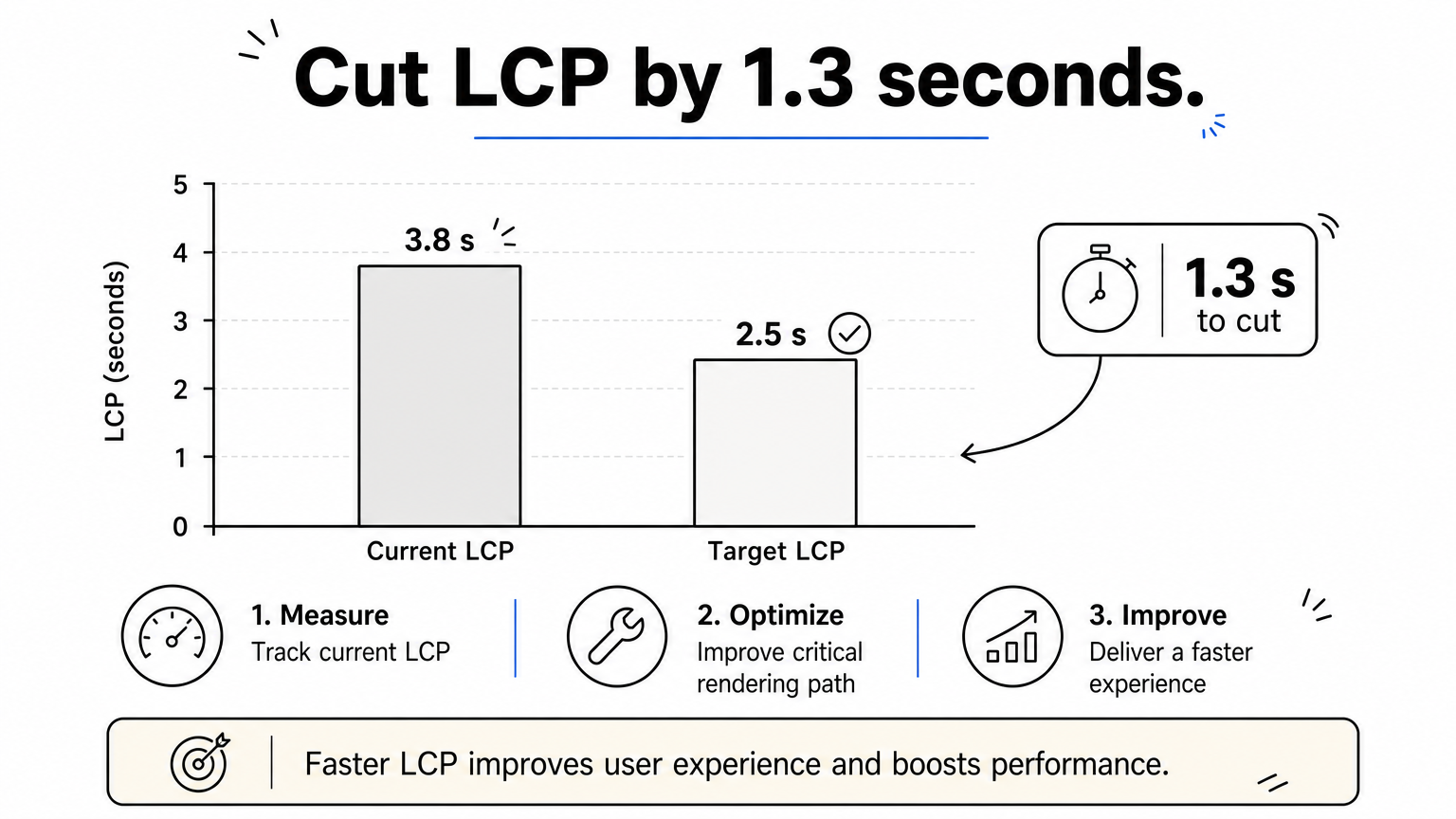
Google lists load time among its landing page experience factors, and visitors leave a page that stalls before they read your headline. The three Core Web Vitals give you concrete targets to aim for.
| Metric | What it measures | Good score |
|---|---|---|
| Largest Contentful Paint (LCP) | Time until the main content appears | 2.5 seconds or less |
| Interaction to Next Paint (INP) | Delay after a tap or click | 200 milliseconds or less |
| Cumulative Layout Shift (CLS) | Unexpected movement while loading | 0.1 or less |
Google explains these thresholds in its Core Web Vitals documentation.
A slow landing page loses the click you already paid for.
Run your landing page URL through PageSpeed Insights and read the mobile result first. Say your LCP is 3.8 seconds. You need to cut 1.3 seconds to reach 2.5, and the hero image is usually the biggest cause.
If your landing pages sit on a Shopify or Salesforce Commerce Cloud storefront and you lack engineering time, Dash from Nostra AI accelerates pages at the edge. It needs a DNS-level change and no code changes, reaches full acceleration in about two weeks, and delivers up to 47% faster load times. Re-test after two weeks and compare LCP.
Your landing page should confirm, within a second, that the visitor clicked the right thing. Make the headline, offer and imagery echo the ad and the search term that triggered it.
Google rates landing page experience on how relevant and useful the page is to people who click your ad. A visitor who searches for one thing and lands on a generic homepage has to hunt for it, and most will not. Message mismatch is the most common reason a page rates "Below average" while looking fine.
If the ad says one thing and the page says another, the visitor leaves.
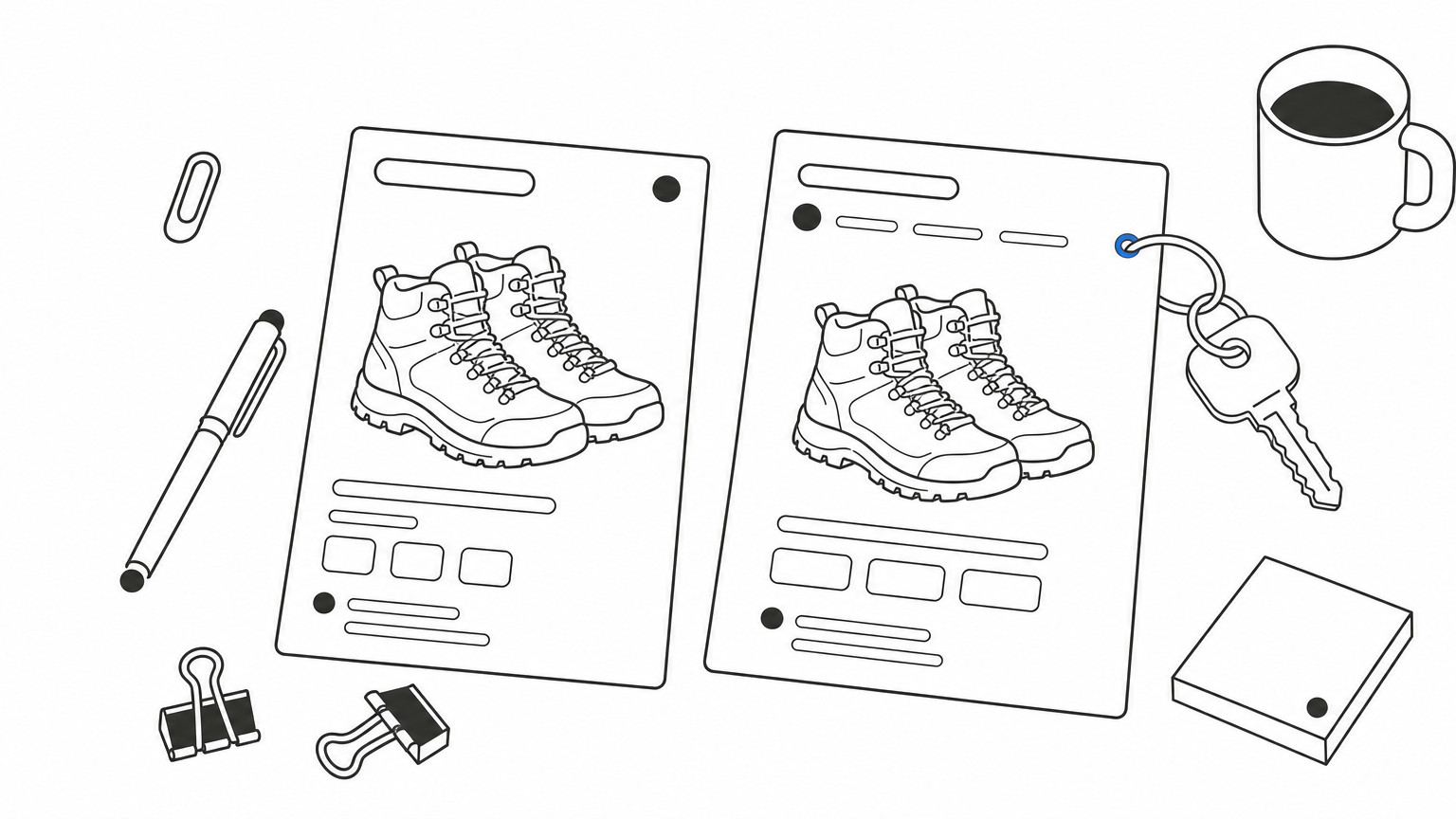
Take an ad for "waterproof hiking boots under $150". Send it to a page of waterproof boots filtered under $150, not to your homepage or full catalog.
Good landing page copy states the offer in plain words and asks for one action. Anything that competes with that action costs you conversions.
Visitors skim. They look for the answer to "what is this, and is it for me?" before they read anything. Vague headlines, feature lists with no payoff and three competing buttons all make the page harder to use, which is exactly what Google means by useful, easy-to-navigate content.
One page, one offer, one action.
Write the headline as the offer, not the company slogan. Lead with what the visitor gets, then support it with the features that make it believable.
Then run a five-second test. Show the page to someone unfamiliar with your business and ask what you offer and what they would do next. If they cannot answer, rewrite the headline before touching anything else.
A good landing page works on a phone first. Put the headline, a proof point and the call to action on the first screen, and take away everything that leads visitors elsewhere.
Google lists mobile-friendliness and ease of navigation as part of the rating. Check your own device split in Google Ads, because for many accounts most clicks come from phones. A page designed on a large monitor often buries the button below the fold on a small screen. Header menus, footer links and sidebars give visitors exits you paid to avoid.
On a phone, anything that is not the offer is in the way.
Open the page on a real phone, not just a browser resize, and complete the action yourself.
For storefronts, Patch automates that last step. It tests the journey from homepage to checkout on real desktop and mobile devices and files bug reports with reproduction steps and video. A broken button on iOS Safari can hide for weeks without it.
Trust elements tell a stranger that your business is real and safe to deal with. Show proof that can be checked, and keep it from crowding the call to action.
Google names transparency and trustworthiness as part of landing page experience. Pages that are unclear about who runs them, what they cost or what happens to submitted data give visitors reasons to back out. This matters most when the page asks for payment details, a phone number or an email address.
Trust is what lets a visitor act on a page they just met.
Pick two or three kinds of proof and place them near the call to action, not in a pile at the bottom.
Overloading the page with badges competes with the call to action, so add proof gradually. To check it worked, watch form abandonment and ask a few people whether they would hand over their card details on that page.
You only know a fix worked if the data is clean and you changed one thing at a time. Run controlled tests, and filter out traffic that is not human.
Bot visits inflate session counts, drag down conversion rate and burn ad spend, so a good change can look like a failure. Without clean data you may revert fixes that actually helped. Google Ads shows the landing page experience rating, but your own conversion numbers tell you what visitors actually do.
A test on dirty traffic proves nothing.
Change one element per test, such as the headline, the form length or the button label, and run it until each variant has a meaningful number of conversions. Compare the same traffic sources, and recheck your Quality Score components a few weeks after each release.
Knox, the bot agent behind Edge Protect, blocks malicious bots at the edge and lets verified crawlers such as Googlebot, ChatGPT and Claude through. It goes live in under a day with zero code, and it comes with a 14-day free trial, so you can compare your numbers before and after.
Start with speed, because it affects every visitor. Then match the page to the ad, simplify the copy to one call to action, tighten the mobile design, add proof people can verify, and test with clean data. Work through them in that order and change one thing at a time. Each fix targets a factor Google rates and a number you can measure, so you will know within weeks what moved.
The last step is the one most advertisers skip: protecting the data you judge your pages by. If bots inflate your sessions and eat your ad budget, every test result is suspect. Edge Protect filters bad bots before they reach your site, so the conversion rates you optimize against come from real shoppers.


.svg)
