The landing page experience in SEM is Google's rating of how well the page behind your ad delivers what the ad promised and what the searcher wanted. Google Ads reports it per keyword as "Above average," "Average," or "Below average." It is one of the three components of Quality Score, alongside expected click-through rate and ad relevance. A weak rating means you pay more for lower ad positions.
Google judges the page on a short list of signals: relevant and original content, transparency and trust, easy navigation, and fast loading on mobile and desktop. This article explains each signal, shows what weak and strong pages look like side by side, and walks through how to check your rating and improve it. It also clears up how an SEM landing page differs from an SEO landing page.
Nostra AI works with ecommerce brands whose paid traffic lands on storefronts. Slow pages, broken checkouts, and bot clicks all damage the experience a paid click is supposed to buy. That is why the technical side of landing page experience gets as much attention here as the copy.
Landing page experience matters because Google ties it to what you pay and where your ad appears. A good page earns lower costs and better positions. A poor page makes every click more expensive and can hold back ads that would otherwise perform.
Quality Score is a 1 to 10 diagnostic that Google Ads shows at the keyword level. It breaks into three parts: expected click-through rate, ad relevance, and landing page experience. The first two judge your ad. Landing page experience is the only one that judges what happens after the click.
Google calls Quality Score a diagnostic, not a number the auction runs on. The auction uses Ad Rank, which combines your bid with ad quality signals, including landing page experience, plus thresholds and context. The three statuses read like this:
| Status | What it means | What to do |
|---|---|---|
| Above average | Your page is at least as good as competing pages for that keyword | Keep it, and test small improvements |
| Average | No major problems, but at least one signal is holding you back | Fix the weakest signal first |
| Below average | Your page is weaker than the pages competing for the same keyword | Fix the page before you raise bids |
A below average landing page experience is a page problem, and no bid increase will fix it.
Better ad quality lets you win a position with a lower bid. Here is a simplified illustration, since Google does not publish its exact formula. Advertiser A bids $3.00 and has a quality score of 6, so its rank is 18. Advertiser B bids $2.50 with a quality score of 8, so its rank is 20. B wins the higher position with the lower bid.
B's cost per click is roughly the rank of the advertiser below it divided by its own quality score, plus one cent. That is 18 ÷ 8 + $0.01, or about $2.26, under its $2.50 maximum. A would need a much higher bid to overtake B, and every extra dollar of bid would be paid for a page that Google rates lower.
Google judges landing page experience on four signals: relevant and original content, transparency and trust, easy navigation, and fast loading. Googlebot and Google's ad crawler (AdsBot) visit the page and evaluate it. Each signal below comes with the fixes that move the rating most.

Relevance is the first test. The page must match the keyword and the ad copy, so someone who searched for "women's waterproof trail running shoes" lands on exactly that, not on a homepage or a general footwear category. Repeat the promise from the ad in the headline, and make sure the offer, price, or discount in the ad appears on the page.
Usefulness and originality come next. Thin pages, copied manufacturer descriptions, and pages that exist only to funnel clicks to another site rate poorly. Add something a visitor can use: specs, size guidance, comparison details, real photos, answers to the questions buyers ask before purchasing.
The fastest route to a better rating is a page that matches the ad exactly, so keep one landing page per ad group theme.
Google wants advertisers to be clear about who they are and what they do with visitor data. State your business identity, contact details, and policies where visitors can find them. For a store, that means shipping costs, delivery times, returns, and a visible customer service route.
Be equally direct about money and data. Show the price before the final checkout step, say what a form submission leads to, and link a privacy policy near any field that asks for personal information. Pages that hide costs or collect data without explanation are the ones Google flags.
Visitors should reach the thing they came for in one or two moves. Keep the path to the main action short. Put a clear button above the fold, avoid pop-ups that cover the content on mobile, and do not make people hunt through menus to find the product from the ad.
Landing pages often trim the main navigation to keep attention on one goal, which is a sound choice. Do not strip it so far that visitors cannot reach shipping, returns, or contact pages. Those links are part of trust, and removing them can hurt more than the extra clicks you prevent.
Page speed is the signal you can measure most precisely. Google's Core Web Vitals give targets: Largest Contentful Paint under 2.5 seconds, Interaction to Next Paint under 200 milliseconds, and Cumulative Layout Shift under 0.1. You can test any URL with PageSpeed Insights and read the thresholds in Google's Core Web Vitals guide.
Most paid clicks arrive on phones, so test there first. Compress hero images, defer scripts that block rendering, and cut third-party tags that add seconds without adding conversions. Ecommerce stores on Shopify or Salesforce Commerce Cloud often hit the limits of what the theme allows, which is why Nostra AI's Dash agent accelerates pages at the edge instead of asking engineers to rewrite code. It reports up to 47% faster load times.
The clearest way to see the rating at work is to compare two pages built for the same search ad. The difference is rarely design polish. It is almost always match, clarity, and speed.
Take the search "women's waterproof trail running shoes" and an ad that promises "Waterproof trail runners, free returns." Here are two landing pages that ad could point to.
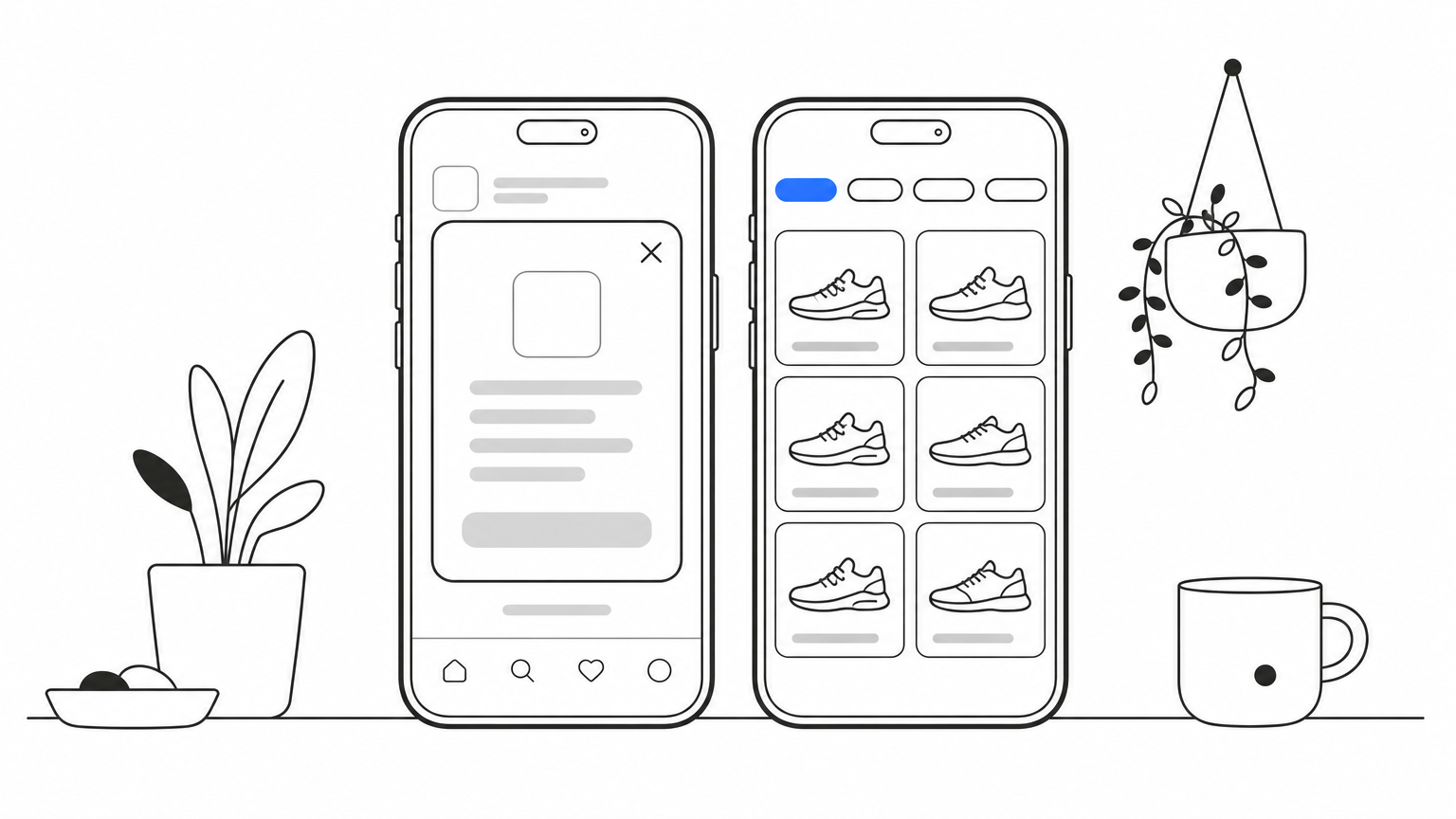
| Signal | Weak page | Strong page |
|---|---|---|
| Relevance | Store homepage with a rotating banner | Category page filtered to women's waterproof trail runners |
| Content | Brand slogan, no product details | Prices, sizes, waterproofing details, real photos |
| Trust | Returns policy buried in the footer | "Free returns" repeated near the buy button |
| Navigation | Newsletter pop-up covers the screen on mobile | Filters and sizes visible without scrolling |
| Speed | Large uncompressed hero video, slow on 4G | Compressed images, content visible within about 2.5 seconds |
| Likely rating | Below average | Above average |
The weak page is not a bad website. It is simply the wrong page for this click. The ad made a specific promise and the page did not keep it, so visitors leave and Google sees weak engagement signals.
If the ad says "free returns" and the page makes visitors search for the returns policy, your rating will show it.
A B2B software company runs an ad for "inventory management software for small warehouses." The weak destination is the generic product overview with a six-field contact form. The strong destination is a page titled for small warehouse teams, with three benefits, a short demo form asking for name and work email, and a visible phone number.
Both pages might look good. Only one tells the visitor within seconds that it was built for their search. A narrower page almost always beats a broader one for paid traffic, because you can write every line for one intent.
You find the rating inside Google Ads, at the keyword level, and you keep it high by treating the landing page like a product that gets monitored and repaired. A one-time cleanup does not last, because themes, apps, and promotions keep changing the page.
The status is not shown by default, so add the columns yourself:
Patterns matter more than single keywords. If twenty keywords share one weak page, fix that page once. If only one keyword is flagged, the problem is usually a mismatch between that keyword and its destination. Give Google time to re-crawl and re-evaluate after a change, and compare ratings across weeks instead of days.
Ratings slip when something breaks quietly. A checkout bug introduced by an app update, a heavy script added by marketing, or a surge of bot traffic can all damage the experience you just fixed. Check the page after every theme or app change, on real mobile devices, from the ad click to checkout.
Automating this saves effort. Nostra AI's Patch agent walks the customer journey from homepage to checkout on real desktop and mobile devices and files bug reports with reproduction steps and video. Knox, the bot agent behind Edge Protect, blocks malicious bot traffic before it distorts analytics or wastes ad spend. Make sure whatever protection you use still lets Google's ad crawler reach your landing pages, because a blocked crawler cannot rate the page fairly.
The same word, "landing page," means different things in paid and organic search. In SEM, a landing page is the page a paid ad sends people to, and Google rates it as part of the ad. In SEO, a landing page is any page where a visitor enters your site from organic results.
A landing page is a webpage built to get one action from one audience, such as a purchase, a sign-up, or a demo request. A webpage is any single page on your site. Every landing page is a webpage, but a page only counts as a landing page when it has one goal. Your homepage serves many audiences and goals, which is why it usually makes a poor ad destination.
| SEM landing page | SEO landing page | |
|---|---|---|
| Traffic source | Paid ads | Organic results |
| Judged by | Landing page experience, part of Quality Score | Google's ranking systems |
| Effect of a poor page | Higher costs, weaker positions | Lower rankings |
| Typical content | Focused, conversion-driven, one clear call to action | Longer, informational, built around a topic |
| Where you see the verdict | Google Ads keyword status | Search rankings and Search Console |
The two overlap more than most teams expect. Relevance, trust, easy navigation, and speed help in both channels. A page fixed for your ads often improves its organic performance too.
Treat every ad destination as a page that Google reviews, even though you pay for the click.
Landing page experience in SEM is Google's judgment of whether your page keeps the promise your ad made. It rests on relevance, original and useful content, trust, easy navigation, and speed. Check your keyword-level rating, find the shared pages behind the weak keywords, and fix the signal that is lowest.
Paid clicks are expensive, and bots and broken pages waste them quietly. If bot traffic is inflating your sessions and draining your ad budget, see how Edge Protect filters bad bots before they reach your site.


.svg)
