The short answer to first party cookies going away is no. A first-party cookie is a small text file that the website you are visiting stores in your browser to remember things like your login, your cart, or your language. No major browser or privacy law is removing them. What browsers have been blocking is the third-party cookie, which an outside domain such as an ad network places to follow you across sites.
That does not mean nothing changes for you. Safari shortens the life of some first-party cookies, privacy laws govern which cookies you can set without consent, and the tools you use to recognize customers still depend on cookies that last. Treating "cookies" as one thing is how teams end up either panicking for no reason or ignoring a real gap in their data.
This guide separates the two cookie types, shows where each major browser stands in 2026, and explains what the restrictions do to your numbers. It then walks through how to prepare your site. At Nostra AI we build edge agents for ecommerce storefronts, including one that fixes expiring tracking cookies, so the lifetime problem covered here is one we work on directly.
First-party cookies are staying. Every major browser allows them by default, because logins, carts, and checkout depend on them. Third-party cookies are the ones under pressure, and even there the story is split by browser.
A first-party cookie is set by the domain in your address bar and is readable only by that domain. That is why it is safe for session state, such as keeping a shopper logged in or remembering what is in the cart. It also stores preferences, such as language, currency, and the consent choice a visitor made.
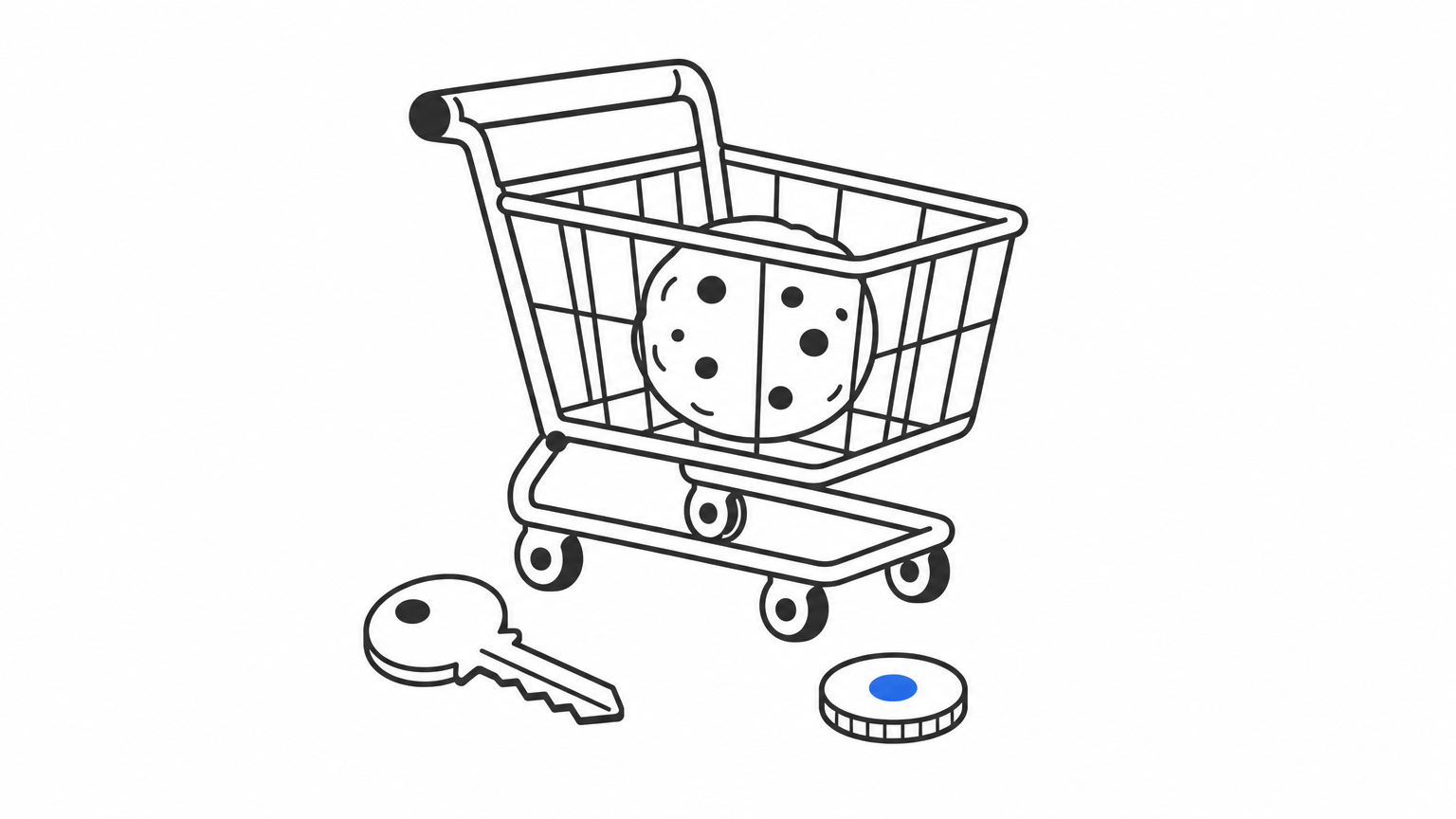
Blocking these would break the web itself. A store with no first-party cookies could not hold a cart between page loads. For that reason, browser makers and regulators have aimed at tracking across sites, not at the cookies a site uses to run itself.
First-party cookies run your site, so no browser has a reason to remove them.
The difference is who sets the cookie and who can read it. The same tracking company can be first-party on its own site and third-party on yours.
| First-party cookie | Third-party cookie | |
|---|---|---|
| Set by | The site you are visiting | A different domain loaded on that site |
| Readable by | Only that site's domain | The setting domain, on every site that loads it |
| Typical uses | Login, cart, preferences, on-site analytics | Cross-site tracking, retargeting, embedded widgets |
| Browser treatment | Allowed everywhere, with lifetime limits in Safari | Blocked by default in Safari, Firefox, and Brave |
If your store sets a cookie on yourstore.com, that is first-party. If an ad pixel on your page sets a cookie from an ad network's domain, that is third-party. The cookie's code can be identical. Only the relationship between the cookie's domain and the page changes.
Three major browsers already block third-party cookies by default. Chrome does not, and that is the part most headlines get wrong.
| Browser | Third-party cookies | First-party cookies |
|---|---|---|
| Safari | Blocked by default since 2020 | Allowed, but script-set cookies are capped at 7 days |
| Firefox | Cross-site tracking cookies blocked by default since 2019 | Allowed |
| Brave | Blocked by default | Allowed |
| Chrome | On by default, managed in user settings | Allowed |
Google planned to remove third-party cookies from Chrome, then dropped that plan in July 2024. In April 2025 it confirmed that no separate choice prompt would replace it. Google has since retired most of its Privacy Sandbox advertising APIs. So the cookieless web exists today for Safari and Firefox users, but not for Chrome users. You still have to plan for both.
The distinction matters because first-party cookies stay but can be shortened, restricted by consent rules, and polluted by bots. Together those three forces decide how much of your customer data you can trust.
Safari's Intelligent Tracking Prevention limits cookies written by JavaScript to 7 days. In some cases, such as when a visitor arrives through a link carrying tracking parameters from a domain Safari classifies as a tracker, the cap can drop to 24 hours. Safari also clears other script-written storage after 7 days without a visit.
This hits ordinary tools. Google Analytics 4 writes its _ga cookie as a first-party cookie with a default expiry of two years. On Safari, a cookie set that way is cut to 7 days. Most ad pixels and email tools face the same cap. The cookie still exists, but it no longer lasts through a typical buying cycle.
Privacy law cares about purpose, not party. In the EU and UK, cookies that are not strictly necessary, including first-party analytics and marketing cookies, need consent first. Login and cart cookies are exempt. The US has no single federal cookie consent law, but state privacy laws such as California's give visitors the right to opt out of sale, sharing, and targeted advertising. California also requires businesses to honor opt-out signals such as Global Privacy Control. This is general information, not legal advice, so check your setup with counsel.
When a cookie expires, the visitor becomes a stranger. Here is an illustrative example. Say 40,000 of your 100,000 monthly visitors use Safari, and 15% of them come back after day 7 to buy. That is 6,000 returning shoppers your analytics counts as new. Their purchases get credited to direct traffic, and your ad platforms lose the link back to the ad that started the journey.
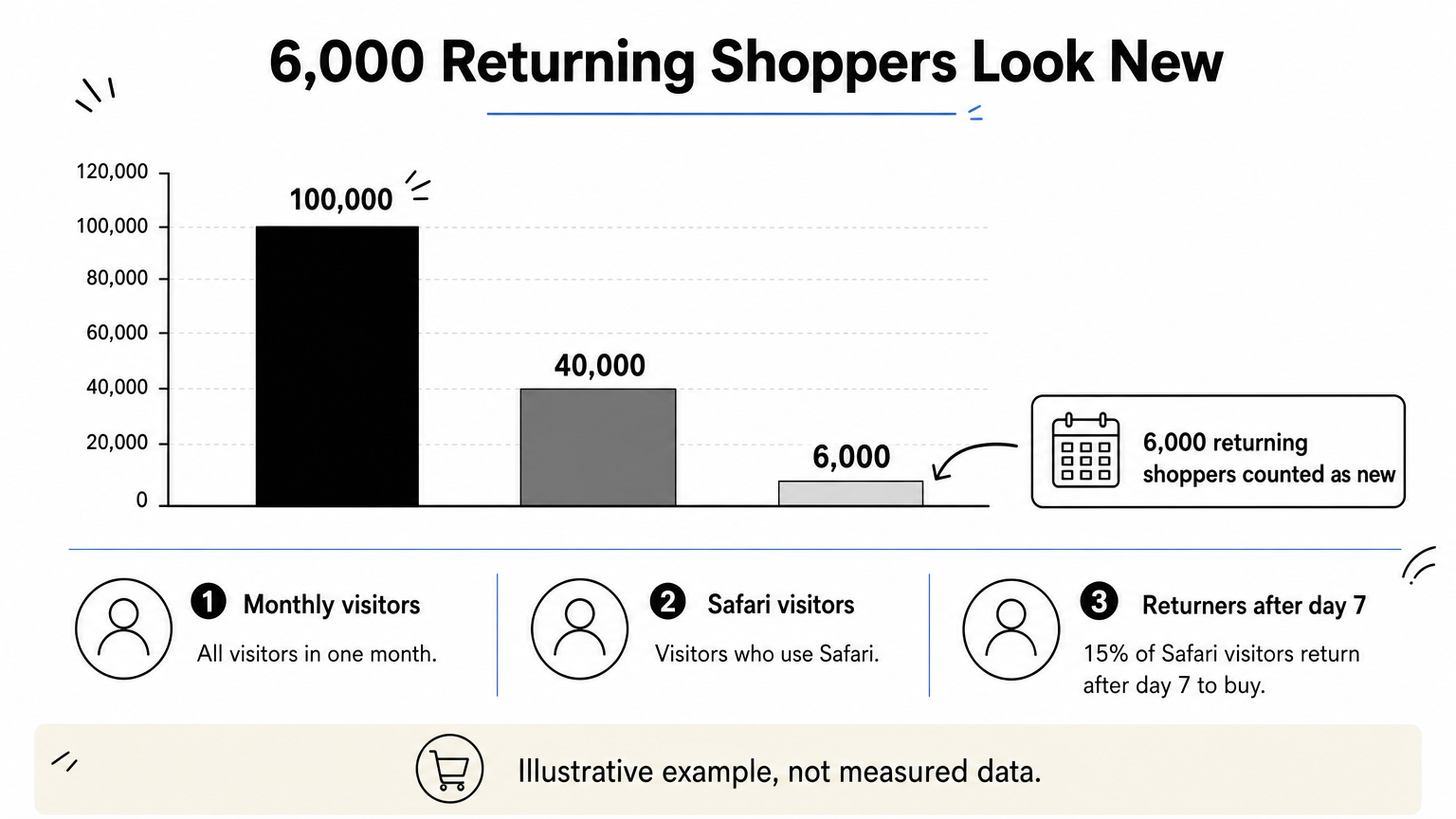
Bots make this worse. Automated visitors rarely keep cookies, so each session looks like a new person and inflates your new-visitor counts. The result is a picture where retention looks weaker, acquisition looks more expensive, and attribution is off.
A first-party cookie that expires in 7 days turns your returning customers into new ones in your reports.
Preparing means finding out what you set today, fixing cookies that expire too early, and keeping consent in order. You can do the first step in an afternoon, with no special tools.
Open your store in Chrome, press F12, and go to Application, then Cookies. For each cookie, record its domain, expiration, and whether it is first-party. Then repeat in Safari using the Web Inspector's Storage tab, because the expiry dates there will differ.
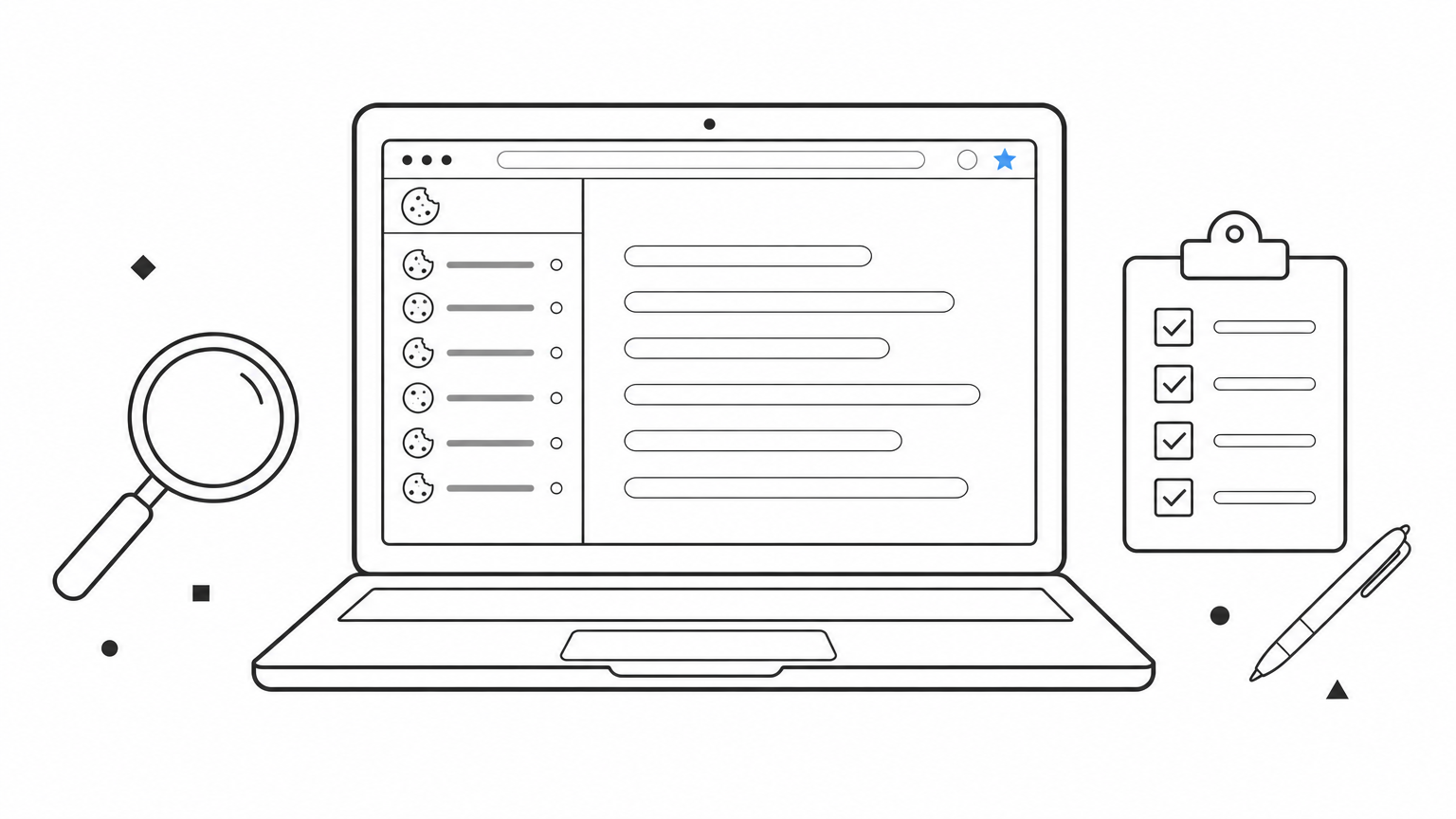
SameSite=None; Secure to be sent cross-site in Chrome.The cookies that matter most for revenue are the ones that identify a returning customer. If they expire in a week, your Meta, Google, Klaviyo, and GA4 data degrades quietly. The fix is to set those identity cookies as true first-party cookies with long lifetimes and to recover identities that have already been lost.
One way to do this without engineering work is Crumble, Nostra AI's cookie agent behind Edge ID. It extends first-party cookie life from 7 days to up to 2 years and recovers lost identities automatically. It works with Meta, Google, Klaviyo, and GA4, and goes live in a day with no code changes. The figure to watch is how many visitors you still recognize 28 days later. Crumble reports 99%.
Longer cookie life does not replace consent. Keep a consent banner that blocks non-essential cookies until a visitor agrees where the law requires it, and honor Global Privacy Control signals for California visitors. Store the consent choice itself in a first-party cookie, and make sure your ad and analytics tags respect it.
Then check whether the fix worked. In GA4, compare returning-visitor share by browser before and after. A big gap between Chrome and Safari is a sign that cookie expiry is distorting your data. Bot filtering helps here too, since it removes the fake "new" visitors that skew the same comparison.
Audit cookie lifetimes by browser first, because the gap between Chrome and Safari shows where you lose data.
The questions below come up most often, from both site owners and ordinary browser users.
Usually yes for sites you use and trust. First-party cookies keep you logged in and hold your cart, and blocking them often breaks checkout. If a site offers a choice, accept the essential ones and decline analytics and marketing cookies if you prefer less tracking.
You can always clear them later in your browser settings. Doing so logs you out and resets site preferences, but it does no lasting harm.
Among the four browsers in the table above, Chrome. It is the only one that still allows third-party cookies by default. Safari, Firefox, and Brave block cross-site tracking out of the box. You can tighten Chrome in its settings, and its Incognito mode blocks third-party cookies by default, but the default setting is the loosest.
Third-party cookies in Chrome could change again, since Google has reversed course before. First-party cookies are a different matter. Removing them would break logins and carts across the web, so there is no serious proposal to do it.
What can change is how long browsers let them live and under what conditions. Watch Safari's tracking rules and your state privacy laws, because those are where first-party limits actually appear.
First-party cookies are not going away. Third-party cookies are already blocked in Safari, Firefox, and Brave, and remain on by default in Chrome. The real risk for your store is quieter. First-party cookies that expire in 7 days make returning customers look new, weaken attribution, and feed ad platforms poor signals.
Audit your cookies by browser, fix the short-lived identity cookies, and keep consent clean. Once your customer identities are stable, make sure the visitors behind them are real. Bot traffic still inflates sessions and wastes ad spend, and you can filter bad bots before they reach your store with Edge Protect.


