
First party cookies are small text files that the website you are visiting stores in your browser so it can remember you. They keep you logged in, hold items in your cart, and count your return visits. A third-party cookie is different. It is set by another domain than the one in your address bar, usually to track you across sites.
The distinction sounds technical, but it decides a lot in practice. Browsers treat the two types differently, privacy laws treat them differently, and your analytics depends on one of them surviving. If you run an online store, the difference shows up in your conversion data and your ad attribution.
At Nostra AI we work on first-party customer identity for ecommerce storefronts every day, so we see how this plays out on real stores. This article covers why first-party cookies matter, how to set them up correctly, how they compare with third-party cookies, and how browsers and privacy rules handle them.
First-party cookies matter because they are what makes a website feel continuous. Without them, every page load is a first meeting. Your cart empties, your login vanishes, and your analytics cannot tell a returning customer from a stranger.
Most of what a shopper calls "the site working properly" is a first-party cookie. These are the most common jobs:
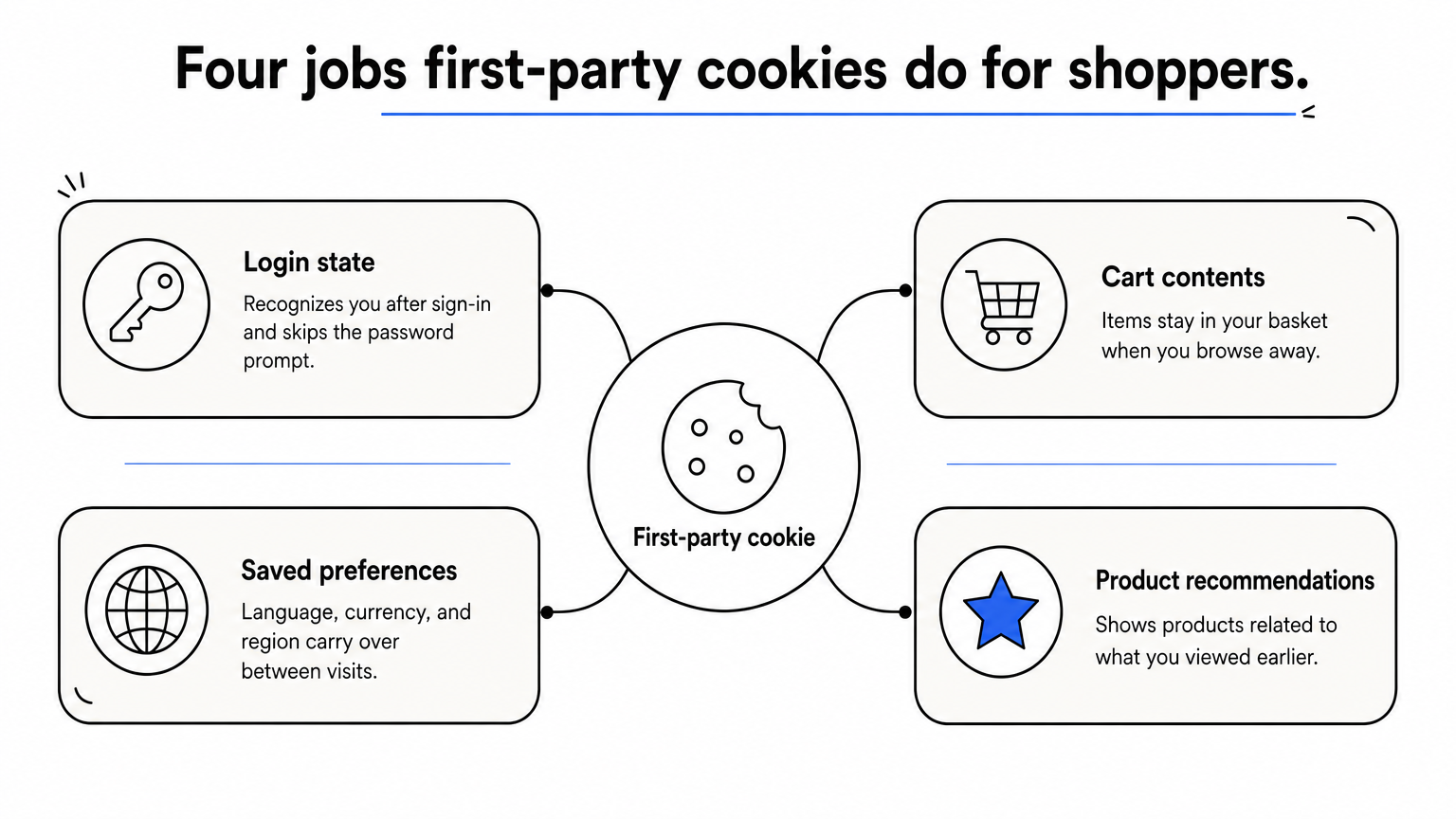
Some of these cookies are session cookies that disappear when you close the browser. Others are persistent cookies with an expiry date, which is how a site recognizes you days or months later.
For a merchant, first-party cookies hold the customer's identity together. Google Analytics 4 stores its client ID in a first-party cookie on your domain. Attribution and email tools such as Meta and Klaviyo also lean on identifiers stored on your domain to connect a visit to a purchase.
This is why first-party cookies have become the foundation of measurement. Safari and Firefox block third-party cookies by default, but they leave first-party cookies working. If your tracking relies on identifiers your own domain sets, you keep most of your data. If it relies on another company's domain, you lose it.
There is one catch for stores. Bots also accept cookies, and every bot session gets its own first-party identifier. That inflates your visitor counts and muddies your data.
First-party cookies are the part of web tracking that still works when browsers lock the rest down.
You set up first-party cookies by sending them from your own domain, either from your server or from JavaScript running on your pages, and then configuring their lifetime and security flags on purpose. Defaults are rarely what you want.
When a visitor requests a page, your server can include a Set-Cookie header in its response. The browser stores the cookie and sends it back with every later request to your domain. JavaScript can do the same thing through document.cookie. Both routes produce a first-party cookie, because the domain that sets it matches the domain in the address bar.
Here is a server-set example:
Set-Cookie: visitor_id=a1b2c3d4; Max-Age=31536000; Path=/; Secure; HttpOnly; SameSite=Lax
That cookie lasts one year (31,536,000 seconds), travels only over HTTPS, cannot be read by page scripts, and is not sent on most cross-site requests.
Four choices matter most when you configure a cookie:
Max-Age or Expires to match the job. A cart cookie needs days. An identity cookie needs months.Lax is a sensible default. It limits the cookie to your own site and normal link navigation.Consent comes before all of these. Decide which cookies are essential and which are analytics or marketing, and only set the latter after the visitor agrees where the law requires it. Where you set the cookie also matters. Server-set cookies generally last longer in modern browsers than cookies written by scripts, a gap covered in the browser section below.
A first-party cookie is only as useful as its lifetime, and the lifetime is a setting you choose.
The core difference is who sets the cookie and who can read it. A first-party cookie belongs to the site you are on. A third-party cookie belongs to another domain whose code is embedded in that site, such as an ad network or a social widget.
| First-party cookies | Third-party cookies | |
|---|---|---|
| Set by | The domain in the address bar | A different, embedded domain |
| Readable by | Only the domain that set them | Any site that loads the same third-party code |
| Typical purpose | Login, cart, preferences, site analytics | Cross-site tracking, retargeting, ad serving |
| Default in Safari and Firefox | Allowed | Blocked |
| Privacy impact | Lower, limited to one site | Higher, follows you across sites |
| User control | Can be blocked or deleted | Can be blocked or deleted |
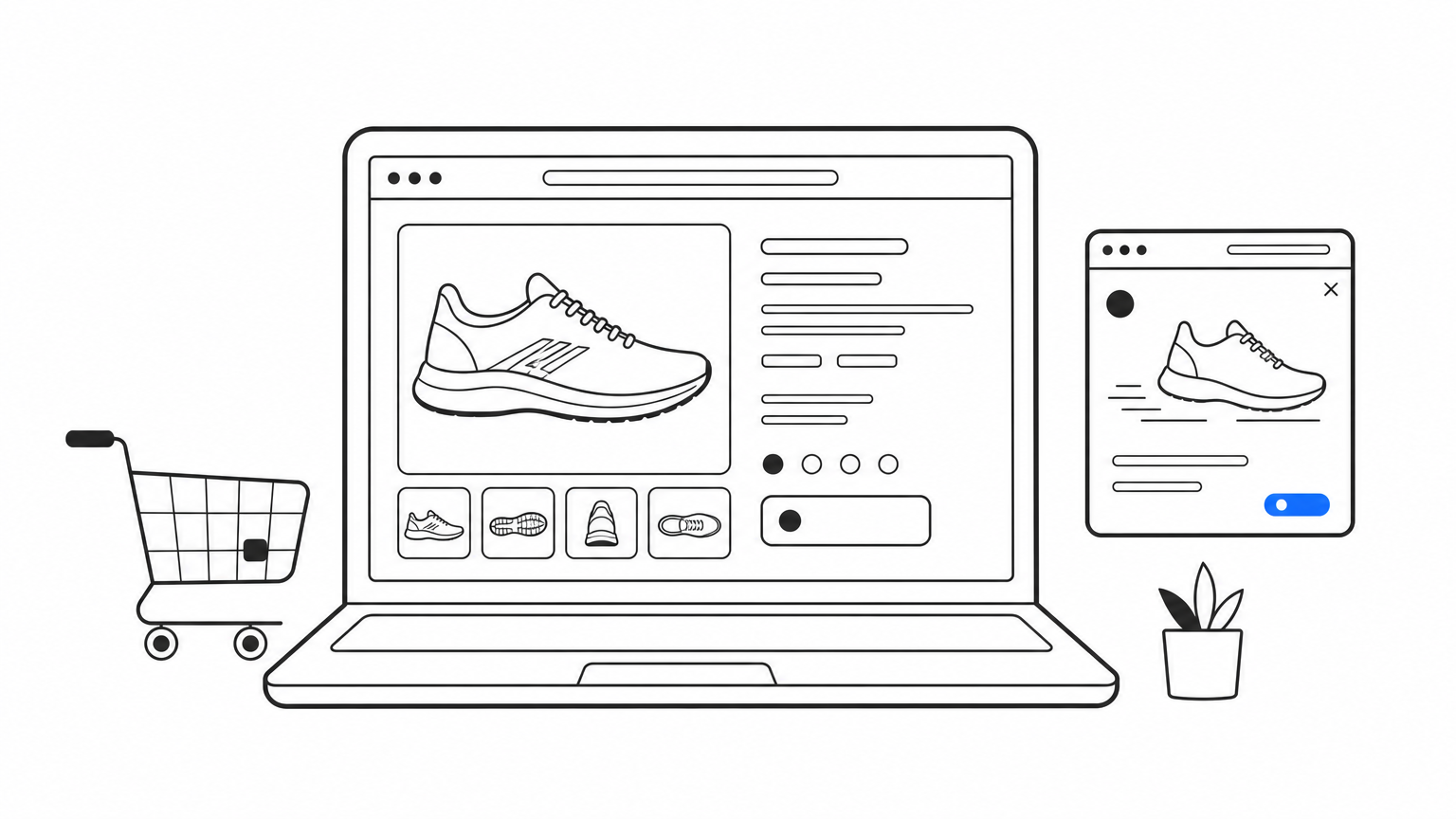
Example: you browse running shoes on a retailer's site. The retailer's cart cookie, which remembers the shoes, is first-party. A retargeting pixel from an ad network on that page sets its own cookie, which is third-party. That cookie lets the network show you those shoes on a news site later.
"Second-party cookie" is not a separate browser category. It describes a first-party cookie's data that the owner shares with a trusted partner through an agreement. The cookie itself is still first-party.
The same three labels apply to data. First-party data is what you collect yourself from your own visitors and customers. Second-party data is another company's first-party data, shared directly with you under a partnership. Third-party data is compiled by outside aggregators from many sources and sold. First-party data is usually the most accurate and the easiest to defend on privacy grounds, because the customer dealt with you directly.
Open your browser's developer tools, go to the Application tab, and select Cookies. Compare each cookie's Domain column with the address bar. A match means first-party. Any other domain means third-party.
If the cookie's domain matches the address bar, it is first-party. Otherwise it is not.
Browsers and regulators both treat first-party cookies more gently than third-party ones, but neither leaves them alone. Lifetime limits and consent rules still apply.
Safari and Firefox block third-party cookies by default. Safari goes further with Intelligent Tracking Prevention, which caps the lifetime of cookies written by JavaScript at seven days. Chrome still supports third-party cookies, though users can block them, and it blocks them by default in Incognito.
The seven-day cap hurts stores. Picture a shopper who browses on Monday and returns ten days later. If the identifier was set by a script in Safari, it expired on day seven, so your analytics counts a brand-new visitor and the original ad click loses credit for the sale. Crumble, the cookie agent in Nostra AI's Edge ID, addresses this by setting first-party cookies that last up to two years instead of one week. It also recovers lost identities automatically and works with Meta, Google, Klaviyo, and GA4.
If a site misbehaves because cookies are off, check your browser's privacy settings. In Chrome, open Settings, then Privacy and security, then Third-party cookies. Choosing to block third-party cookies leaves first-party cookies working. Make sure no option to block all cookies is switched on, because that breaks logins and carts. Other browsers have similar privacy panels, and clearing site data there removes stored cookies without changing the rule.
In the EU, the ePrivacy rules and GDPR require consent for non-essential cookies, and that includes first-party analytics and marketing cookies. Strictly necessary cookies, such as a login or cart cookie, are exempt. The US has no single federal cookie consent rule. State privacy laws such as California's CCPA give residents rights over data sharing and targeted advertising, so you should disclose your cookies in a privacy policy. This is general information, not legal advice, so have counsel confirm your obligations.
Being first-party exempts a cookie from browser blocking, not from consent rules.
First-party cookies are set by the site you are visiting, they power logins, carts, and analytics, and they are the identifier type that still works as browsers restrict third-party tracking. Set them from your own domain, choose lifetimes deliberately, and match your consent setup to the law that applies to your visitors.
One more point for store owners: first-party data is only as good as the traffic behind it. Bots collect cookies like everyone else and distort your numbers. See how Edge Protect filters bot traffic before it reaches your site, so the identities in your first-party data belong to real shoppers.


